


INTERACTIVE ROOM EDITOR
See our artwork
in your home.
Upload a photo of your room and try gallery artwork on your own wall. Compare pieces and see how their color and scale change the space.
Open the editor to begin. No account or app needed.
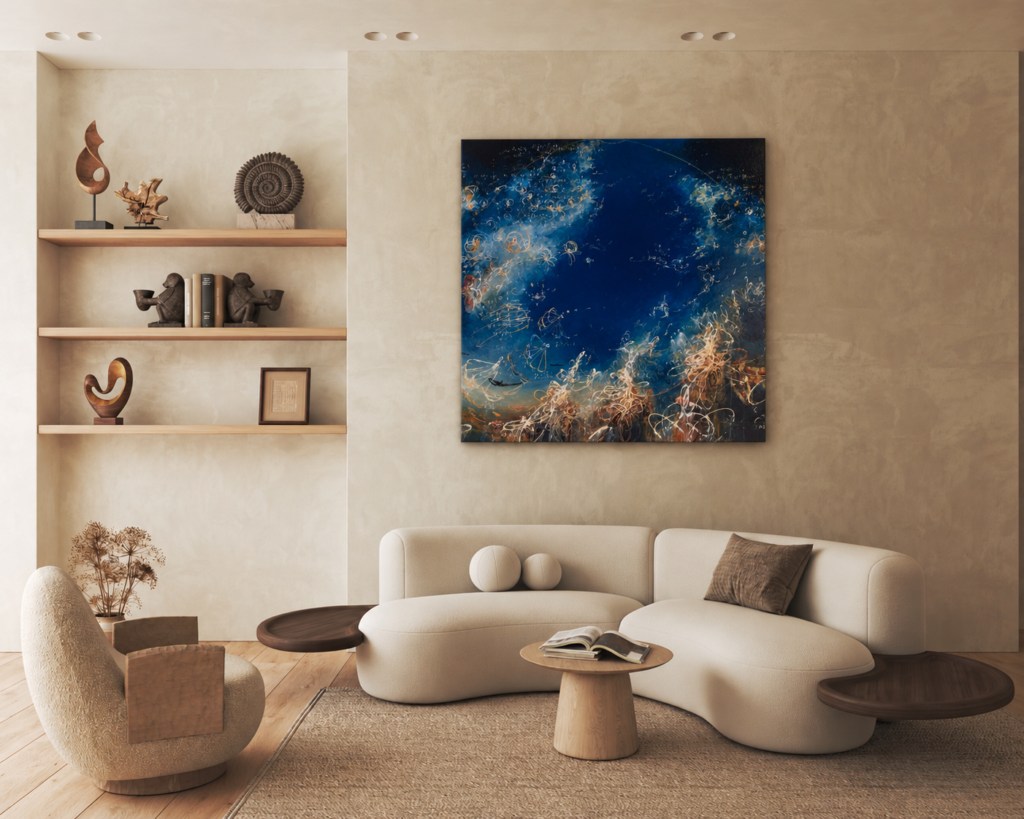
From your photo to a new perspective.
- Upload your room.Take a clear, straight-on photograph of the wall you have in mind.
- Set the wall size.Mark the wall area and enter its height in inches. An 8-foot wall is 96 inches.
- Try different artworks.Choose a work, see it on your wall, then compare another in the same room.
Selected available works are included while additional images are prepared. The editor is powered by ArtPlacer. Use the × at the top right to return to this page. A preview is a guide; contact the gallery to confirm availability, dimensions and framing.
A different work. A different feeling.
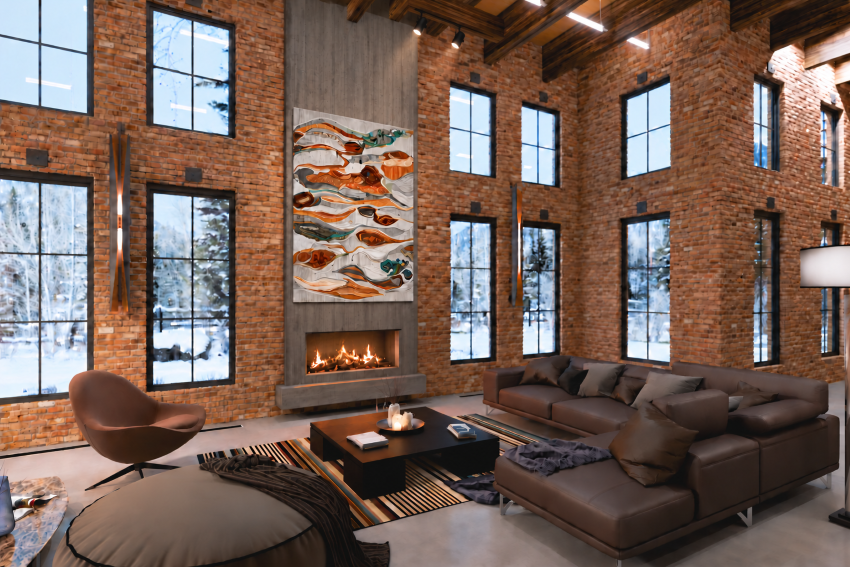
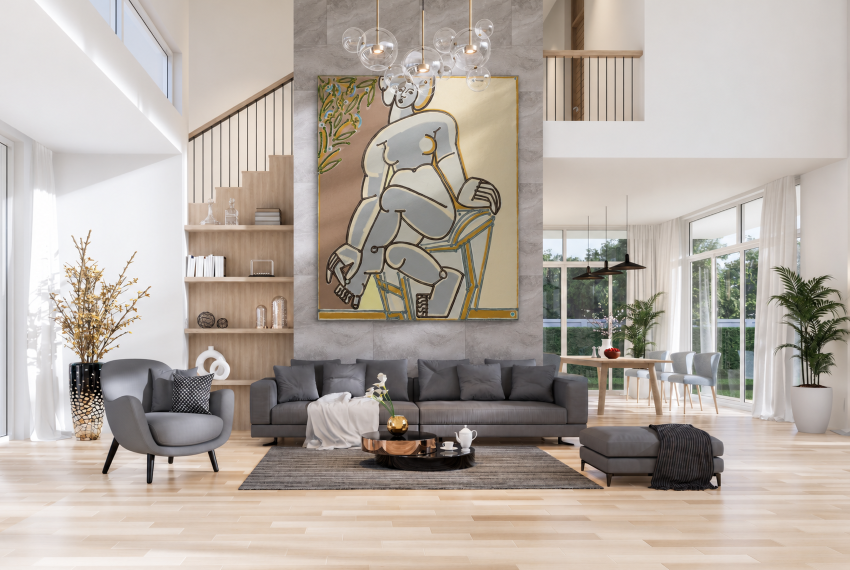
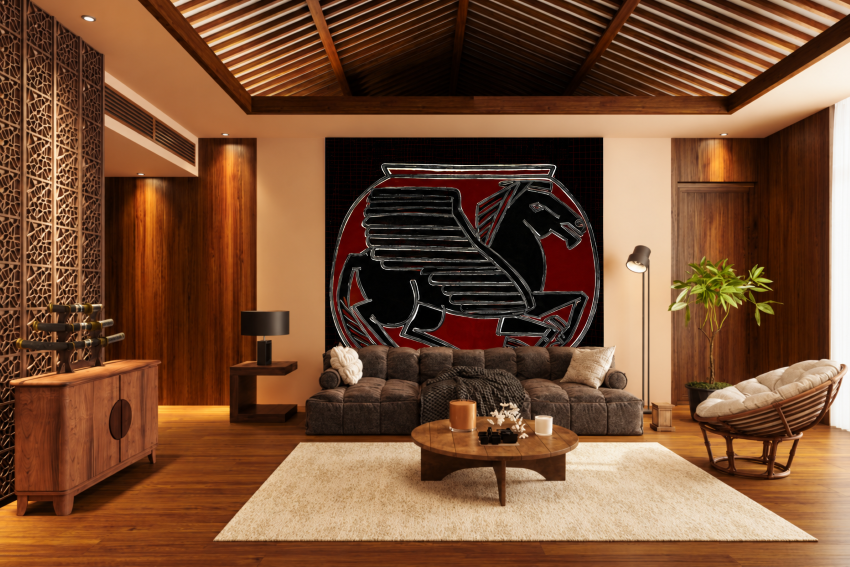
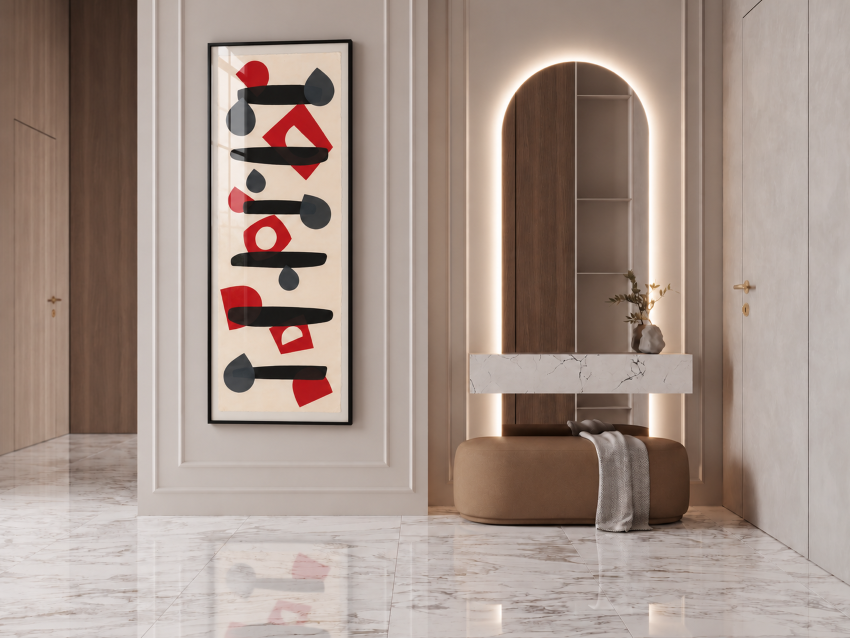
See how a painting can change the mood of a room. These example settings offer a starting point; the room editor above lets you explore possibilities in your own photograph.
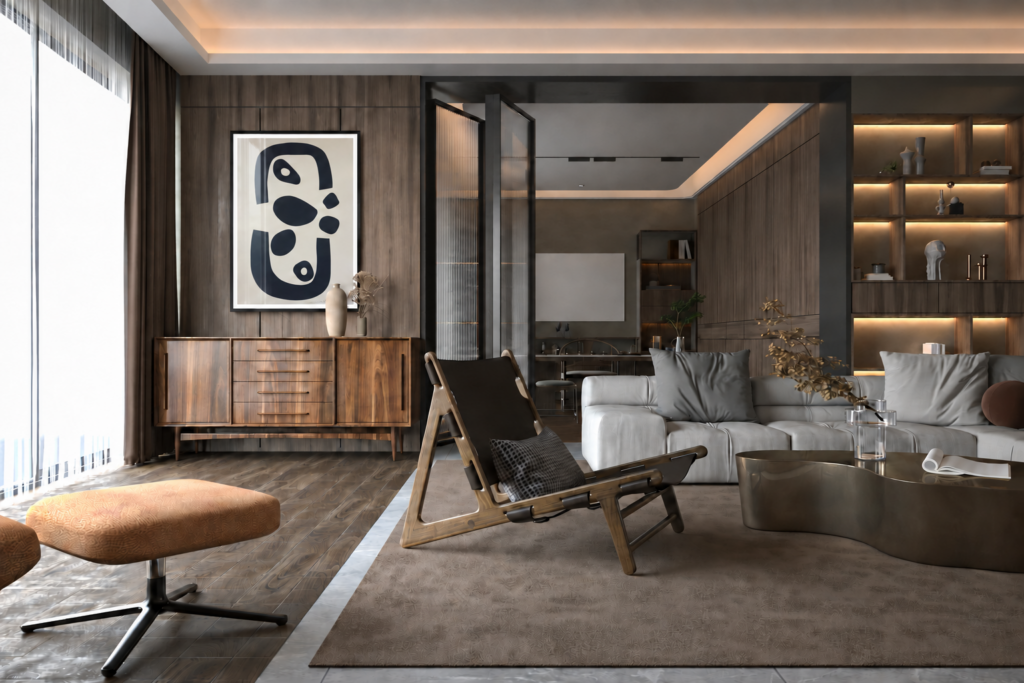
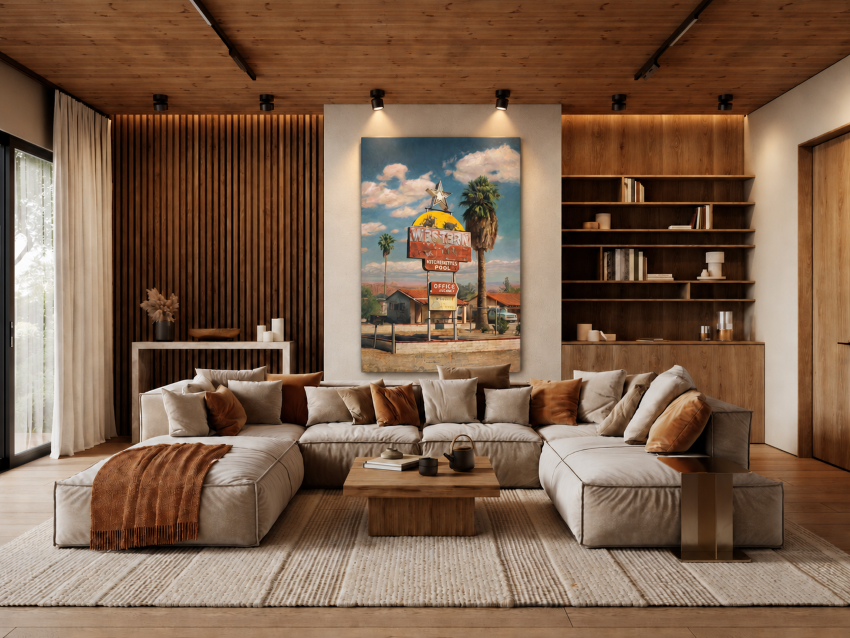
Explore more room inspiration
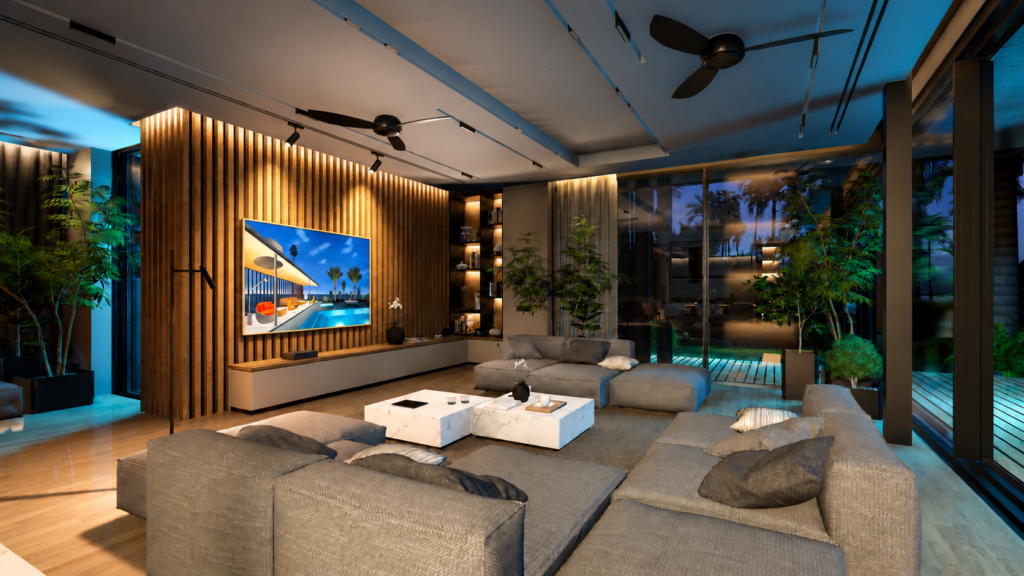
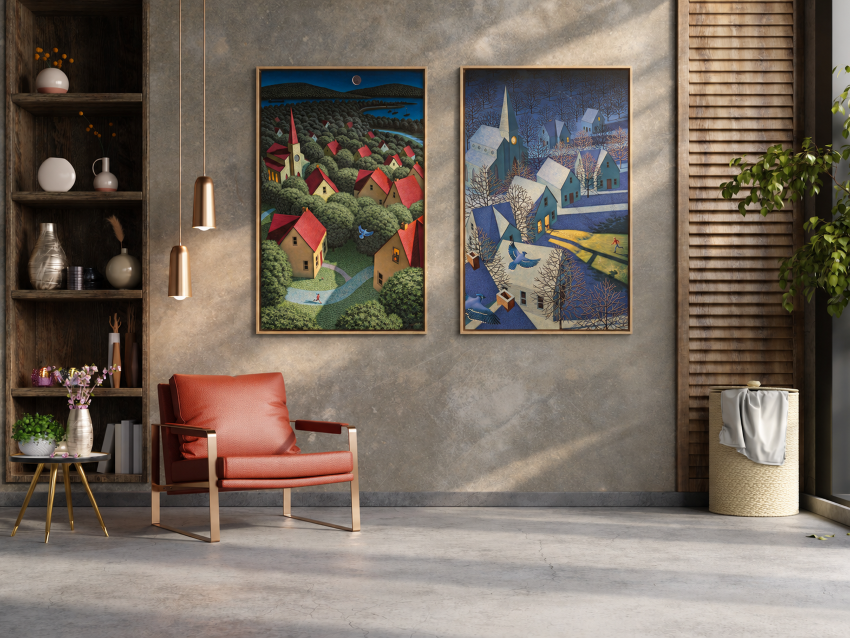
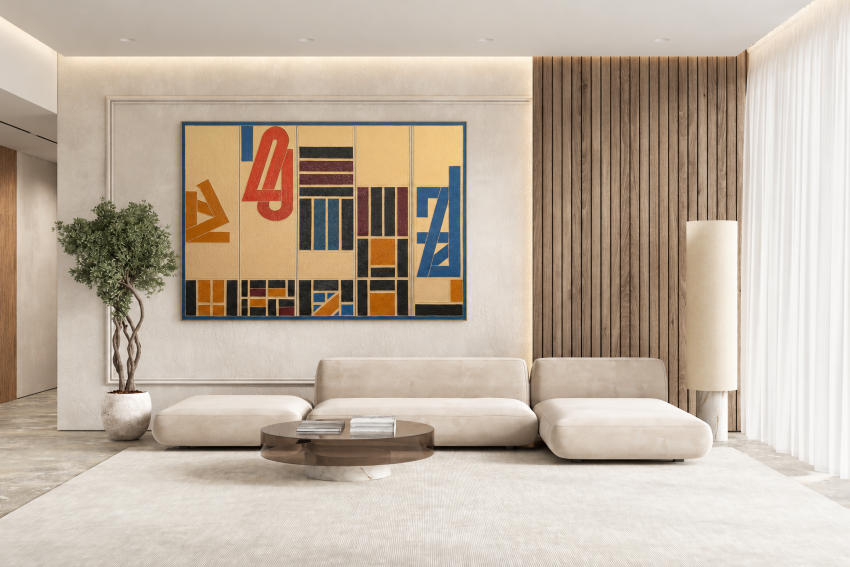
Prefer a gallery perspective in person?
An in-home consultation brings the conversation into your space. Discuss scale, placement and subjects you enjoy with the gallery team, alongside the architecture, light and artwork you already live with.
